Back to Home SaaS · Practice Scheduling

MedBook

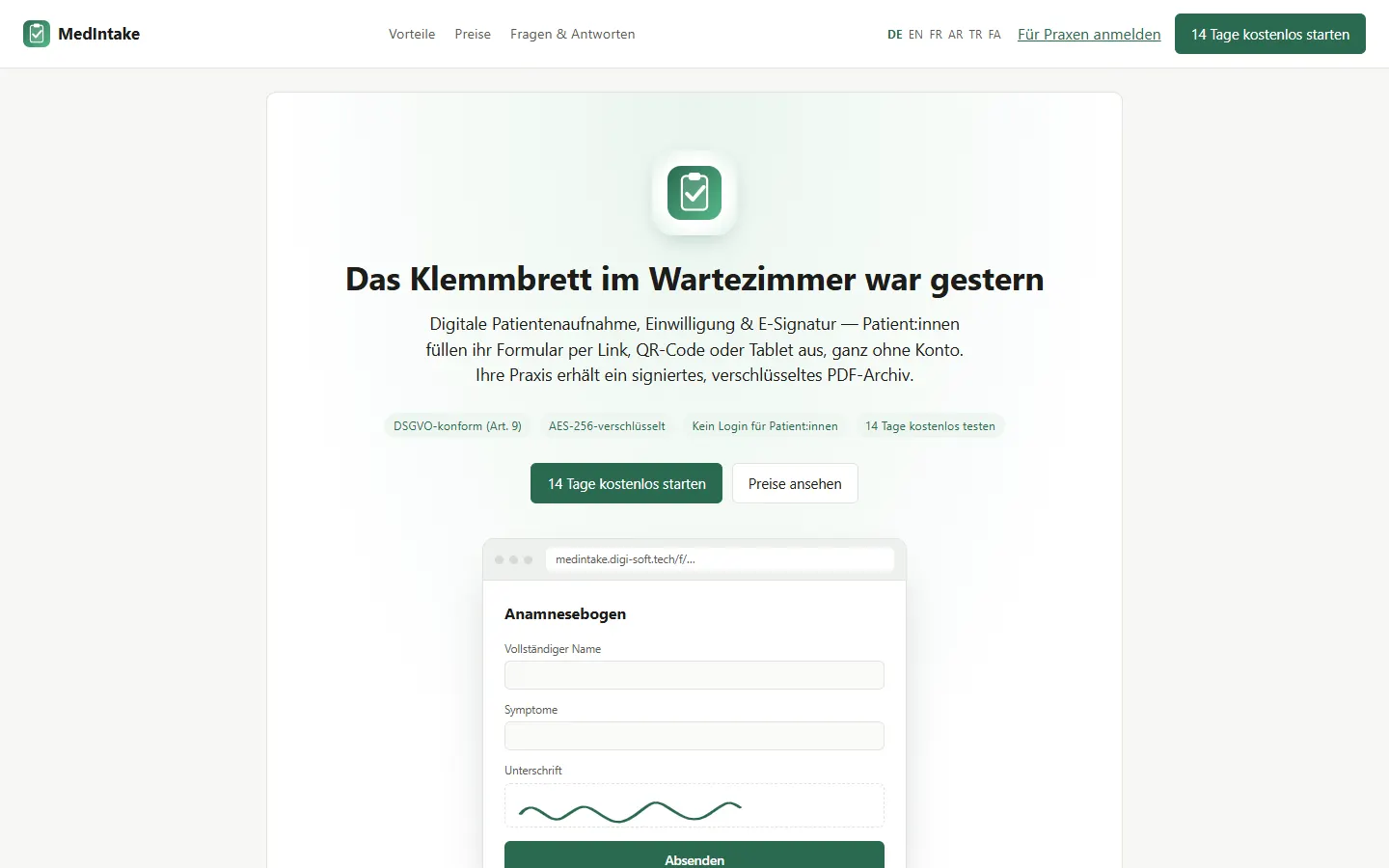
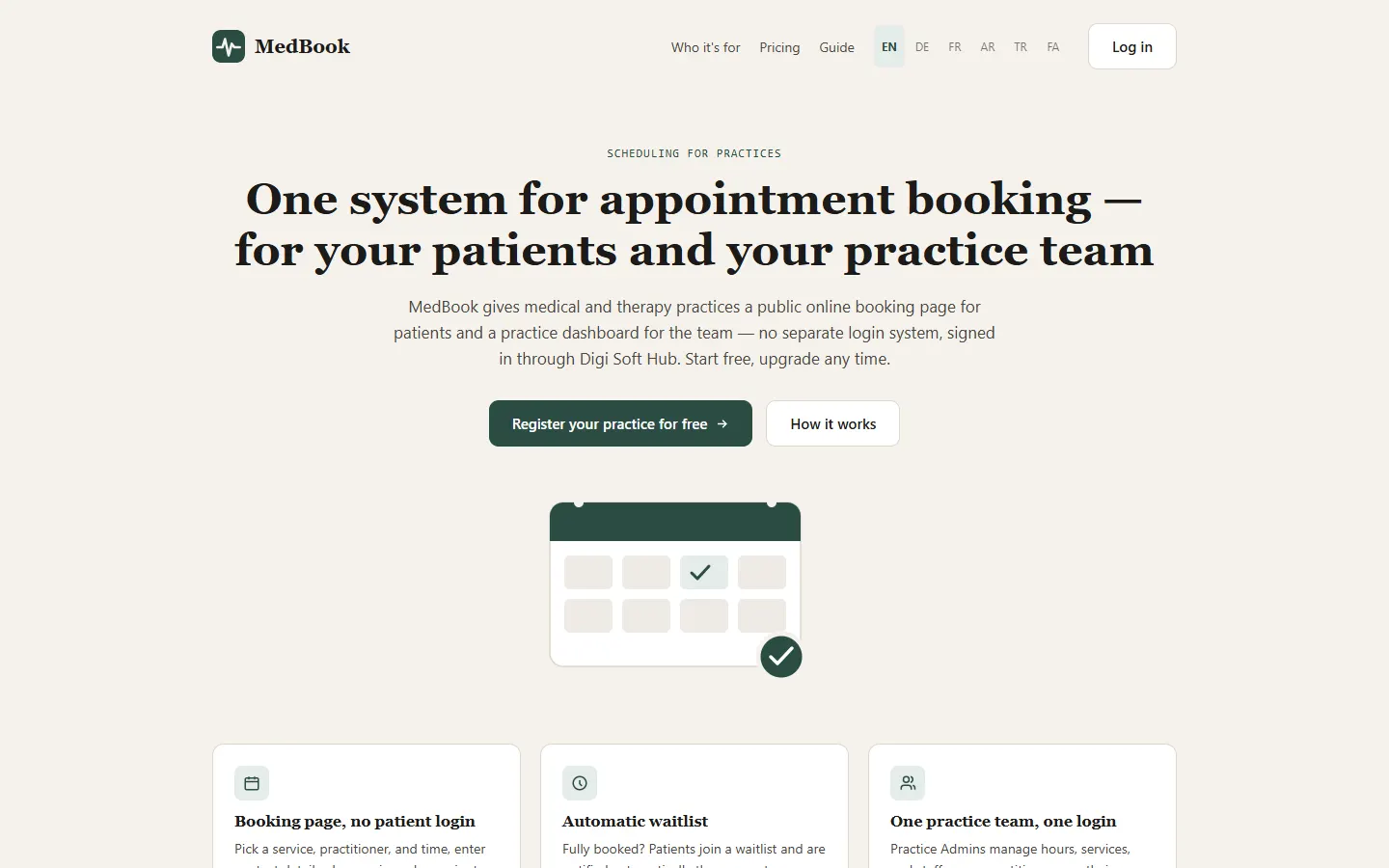
MedBook is appointment scheduling for medical and therapy practices — a public booking page for patients and a practice dashboard for the team, both from one system.

  • No patient login
  • Waitlist
  • Email reminders

Who it's for

Built for medical and therapy practices that want to offer patients simple online booking without running their own system. Practice admins manage hours and staff; practitioners see their own day's schedule.

Who MedBook is for

  • General practices with a high call volume for appointment requests
  • Specialist practices with multiple practitioners and different office hours
  • Physiotherapy and occupational-therapy practices with recurring appointment series
  • Dental practices with recall and check-up appointments
  • Newly founded practices with no in-house IT team
  • Patients who want to book outside office hours
MedBook

Key features

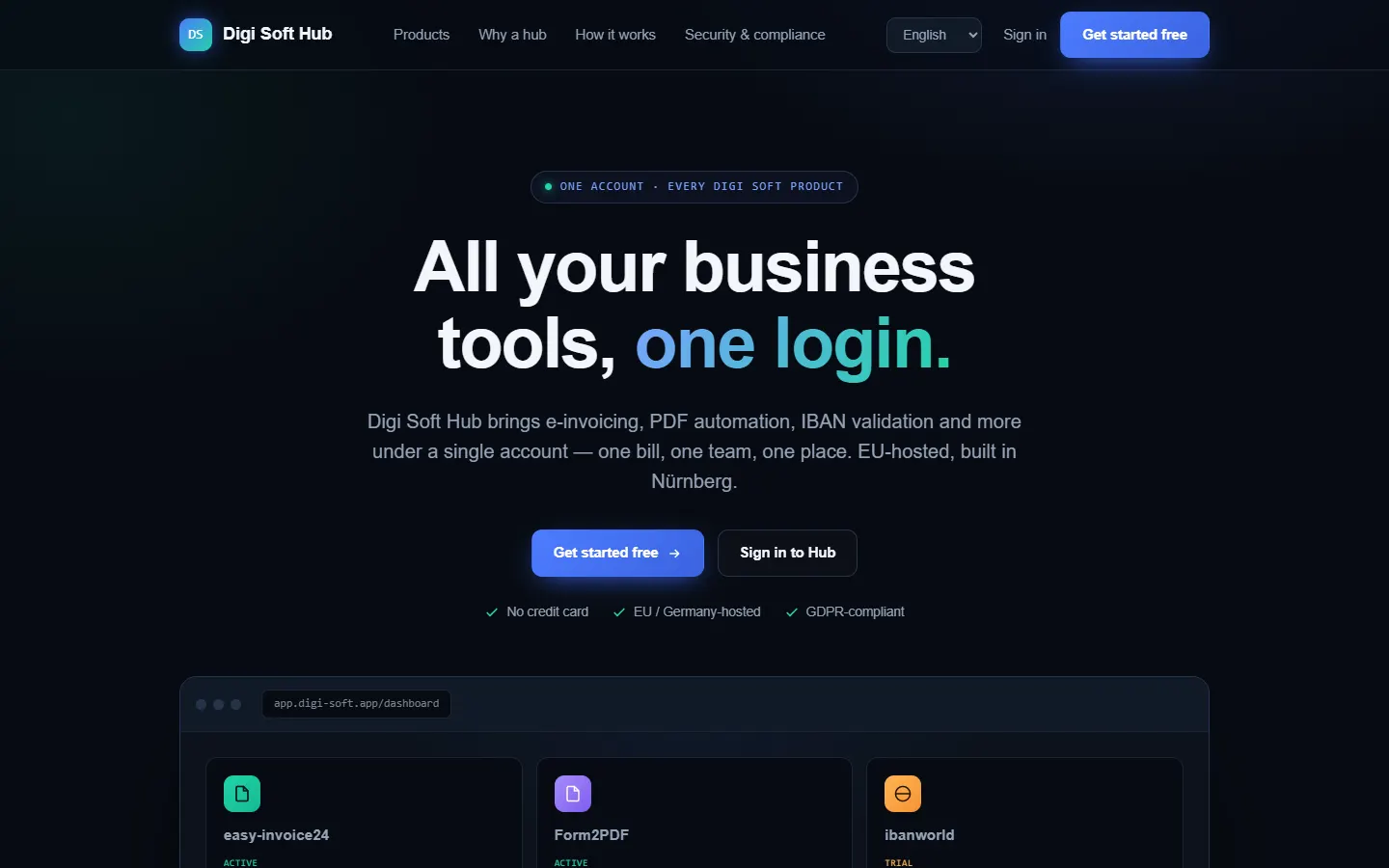
Includes a white-labelable booking page with no patient login required, an automatic waitlist when a practice is fully booked, signed links for patients to reschedule or cancel their own appointment, and single sign-on for the whole practice team via the Digi Soft Hub.

Online booking page

Patients book in a few clicks — no account, no app.

Practice dashboard

Admins manage hours, services and staff; practitioners see their own day.

Automatic waitlist

When the calendar is full, patients join a waitlist instead of calling.

Self-service rescheduling

Signed links let patients move or cancel their own appointment.

Email reminders

Optional reminders from 1 hour to 2 days ahead to reduce no-shows.

Data minimisation

Only name, contact details and the consent timestamp — no medical history.
SaaS · Practice Scheduling

Industries & use cases

Where MedBook fits in day-to-day work — concrete scenarios, not a feature checklist.

General practices

Fewer phone calls for routine appointments.

Specialists with several practitioners

Different hours and services per practitioner.

Physiotherapy & therapy

Fixed session lengths planned per therapist.

Dental practices

Check-ups and recall appointments booked online.

How it works

  1. Set up the practice

    Add services, practitioners and opening hours.

  2. Share the booking link

    On your website, your Google profile or by email.

  3. Patients book

    Appointments land in the dashboard; reminders go out automatically.

Pricing

Free

€0 / month

Free for one practice with a single practitioner.

Get started

Starter

€18.99 / month

For growing practices with multiple practitioners and their own booking subdomain.

Get started

Business

€38.99 / month

For larger practices with a custom domain and priority support.

Get started

Billed monthly through the Digi Soft Hub — pay by card (Stripe) or PayPal.

View the guide for practices & patients →

Technology

PHPMulti-Tenant SaaSSSO
FAQ

Frequently asked questions — MedBook

How do patients book an appointment?

Online via your practice's booking page — around the clock, even outside opening hours. Your team sees all appointments in the practice dashboard.

Is MedBook GDPR-compliant?

Yes. Data is stored on servers in the EU, and a data processing agreement (DPA) is an integral part of practice onboarding.

How do I get started with MedBook?

Register in the Digi Soft Hub, choose a plan and set up practitioners and services — your booking page is then ready to use.

More from Digi Soft UG

MedBook

Appointment scheduling for medical and therapy practices — online booking for patients, a practice dashboard for the team, single sign-on via the Digi Soft Hub.